Sushi & pizza
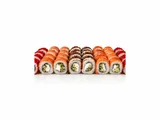
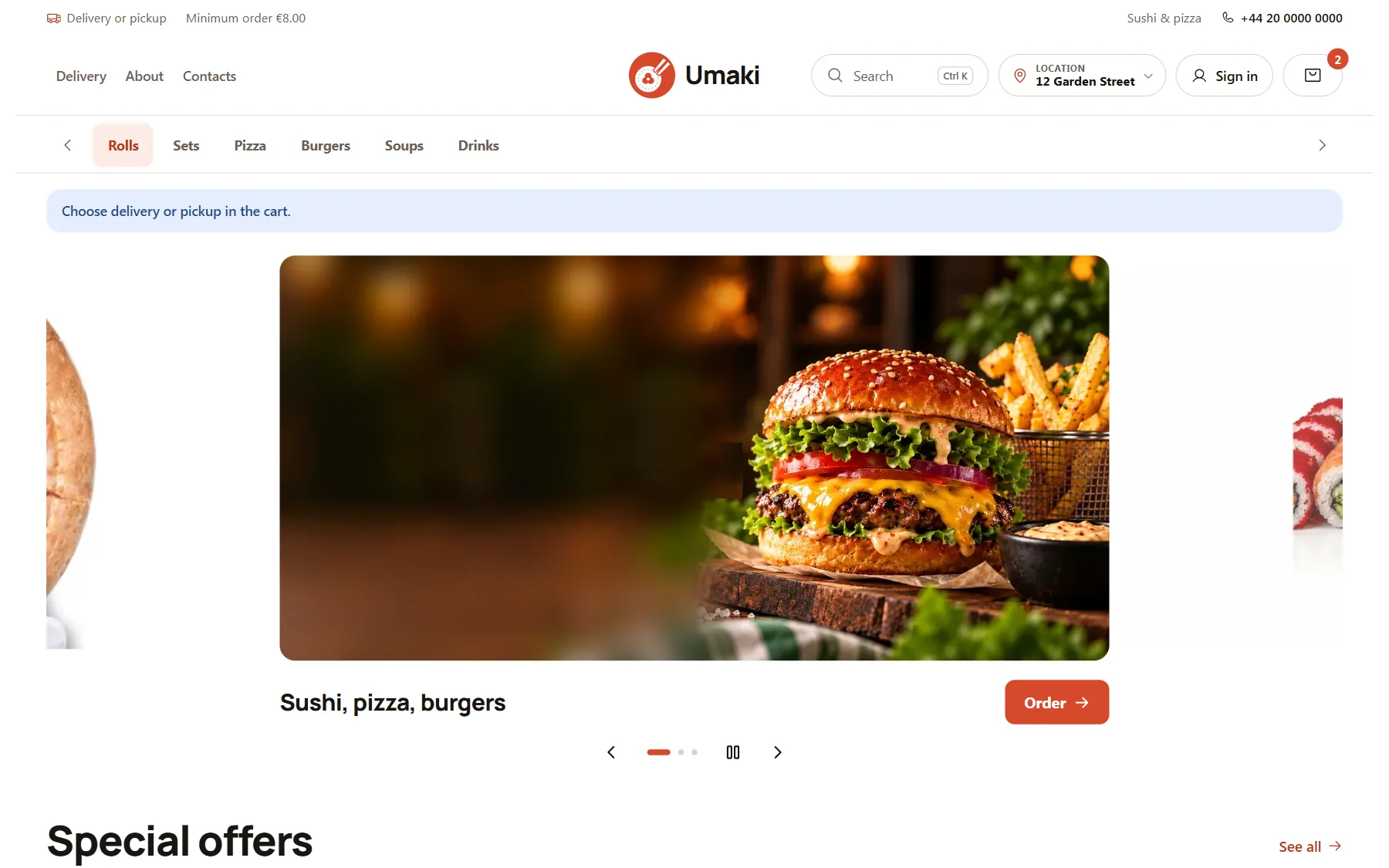
Dishes with add-ons and delivery zones. Orders go to the connected POS system.
Take orders directly. We set up the platform for your business. You manage your catalog and prices yourself.
Preview the website and app for each business type. All brands and products shown are fictional.
Dishes with add-ons and delivery zones. Orders go to the connected POS system.
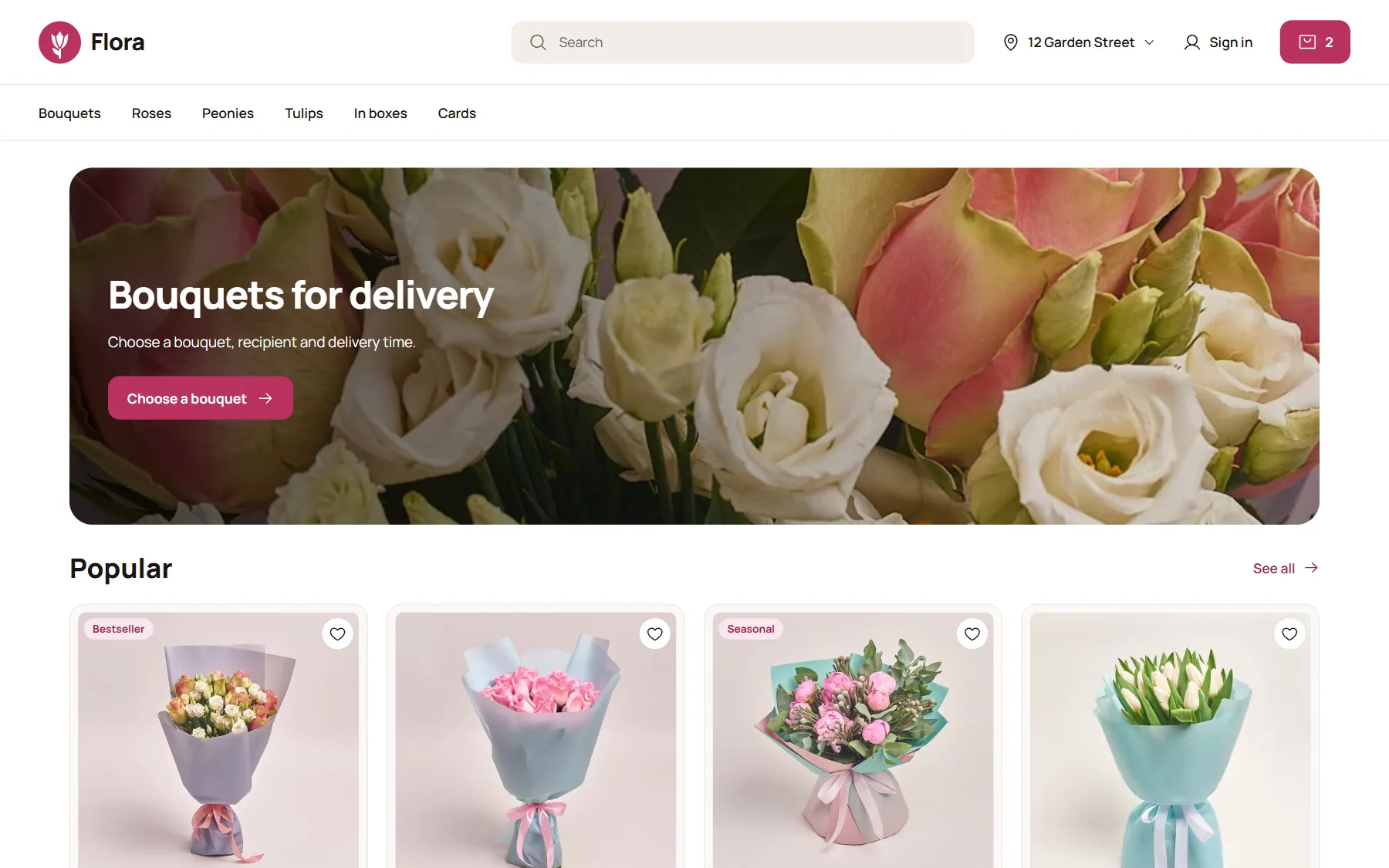
Bouquets, extras and recipient details. Orders arrive in the RengiLab dashboard.
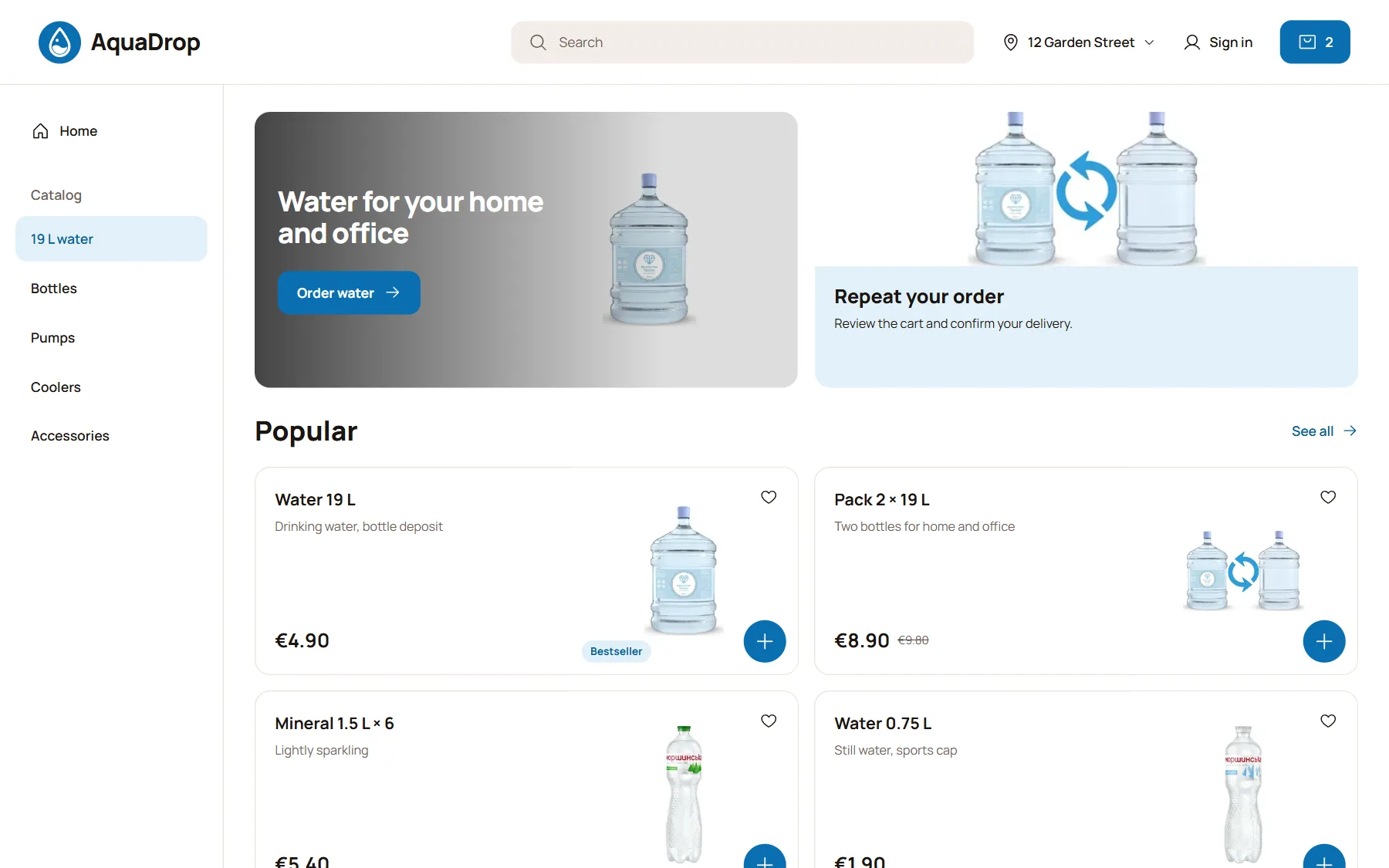
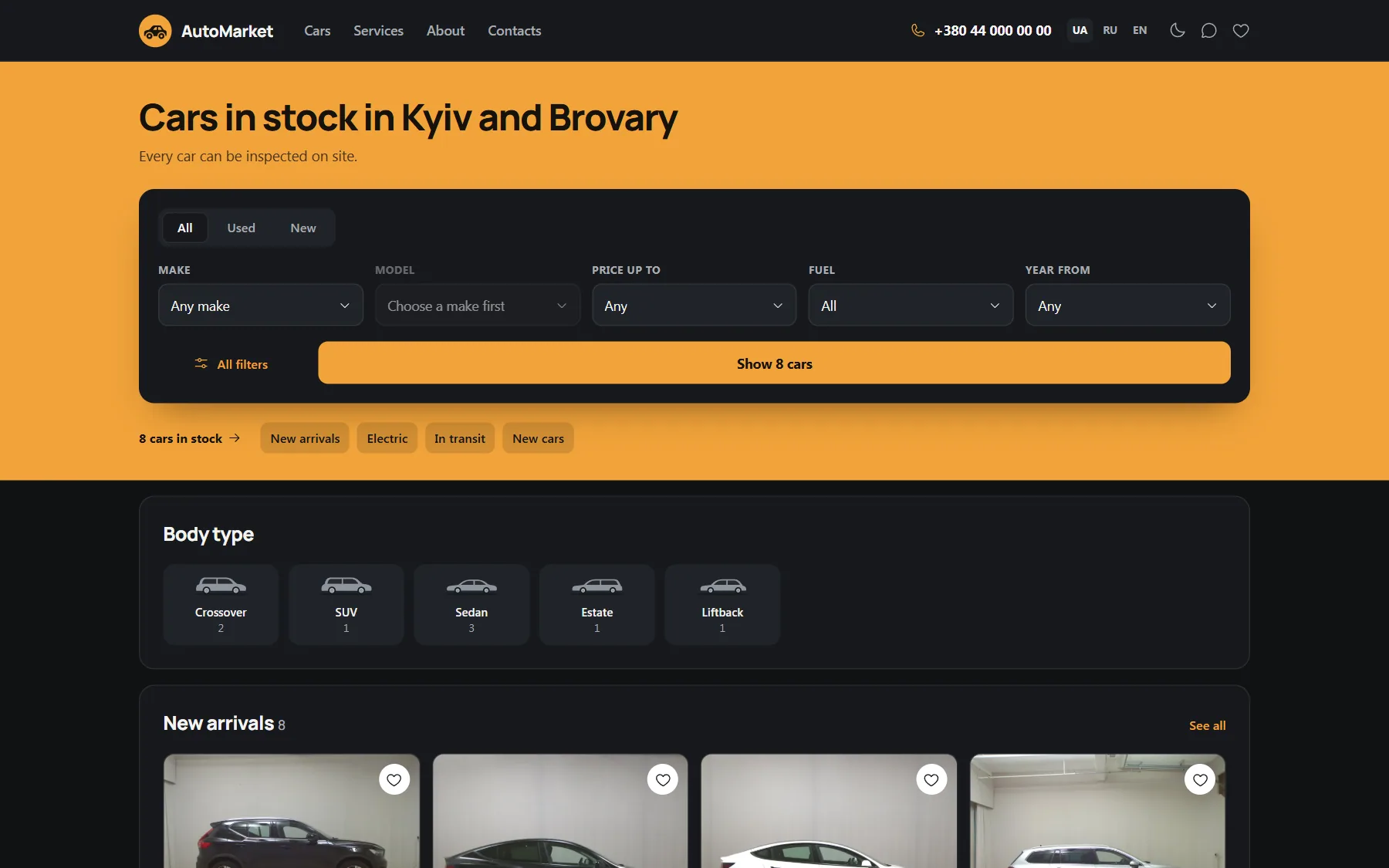
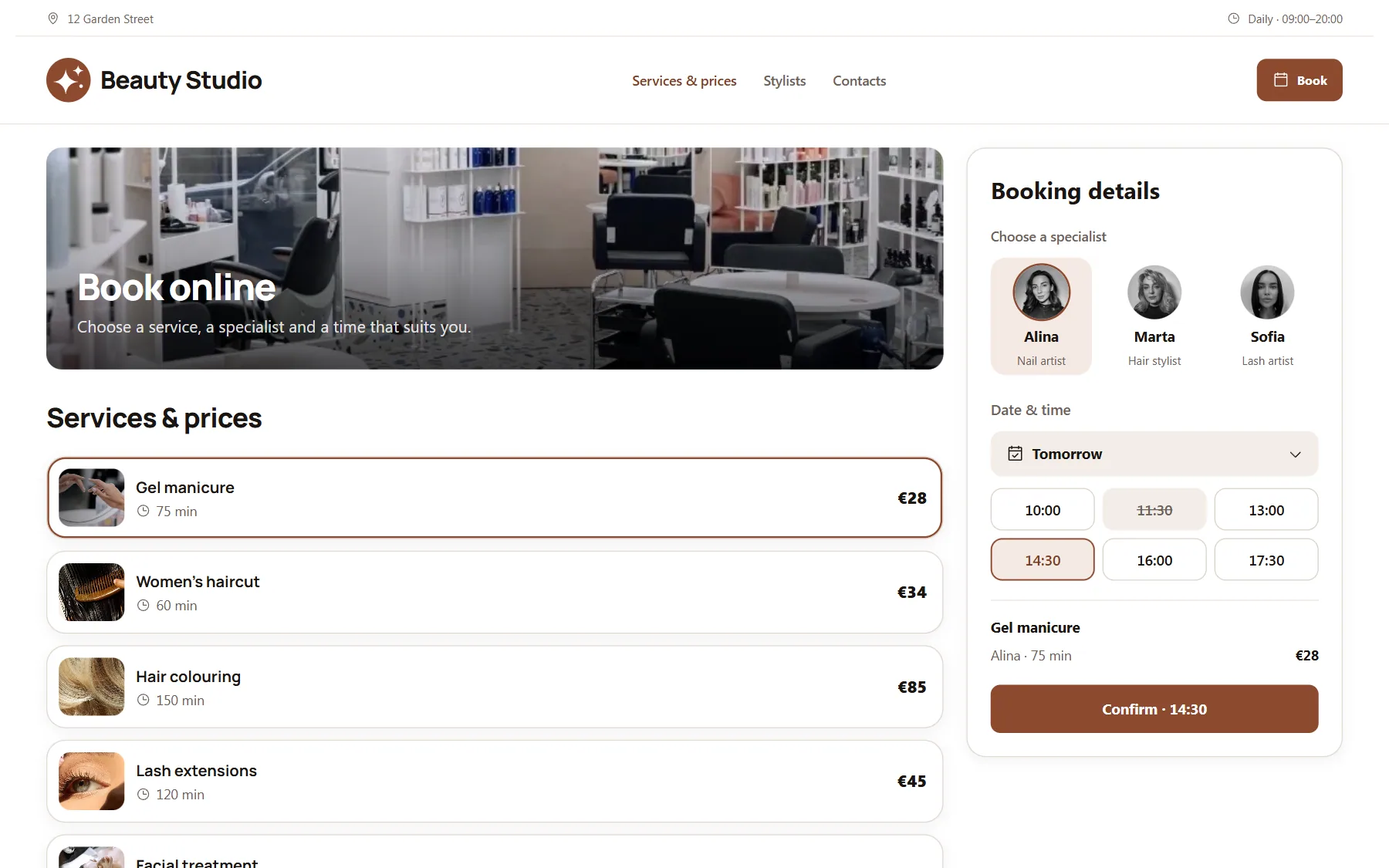
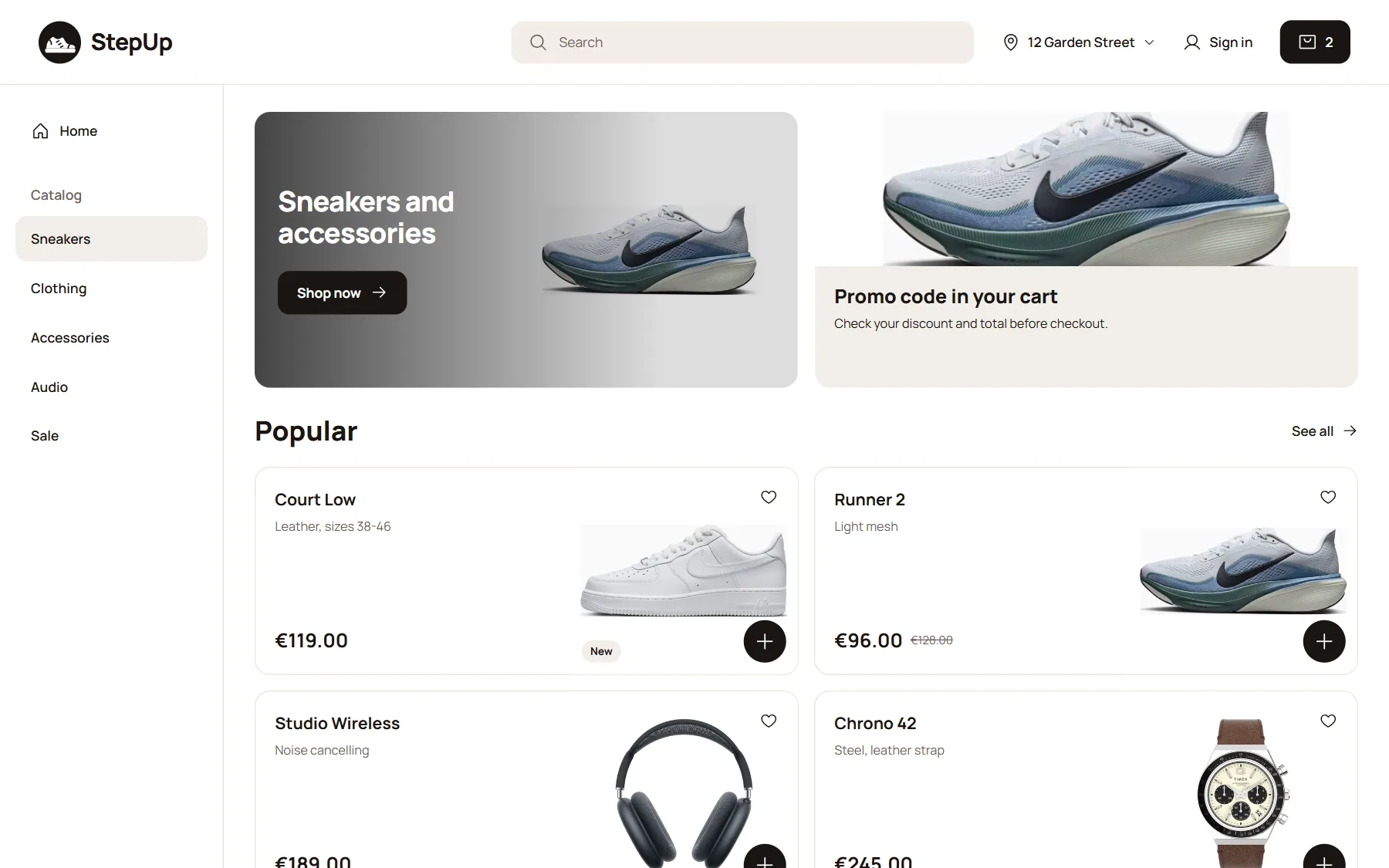
Start with one and add the other later.
Your name in the App Store and Google Play. Customers reorder with saved addresses, and you send offers through push notifications.
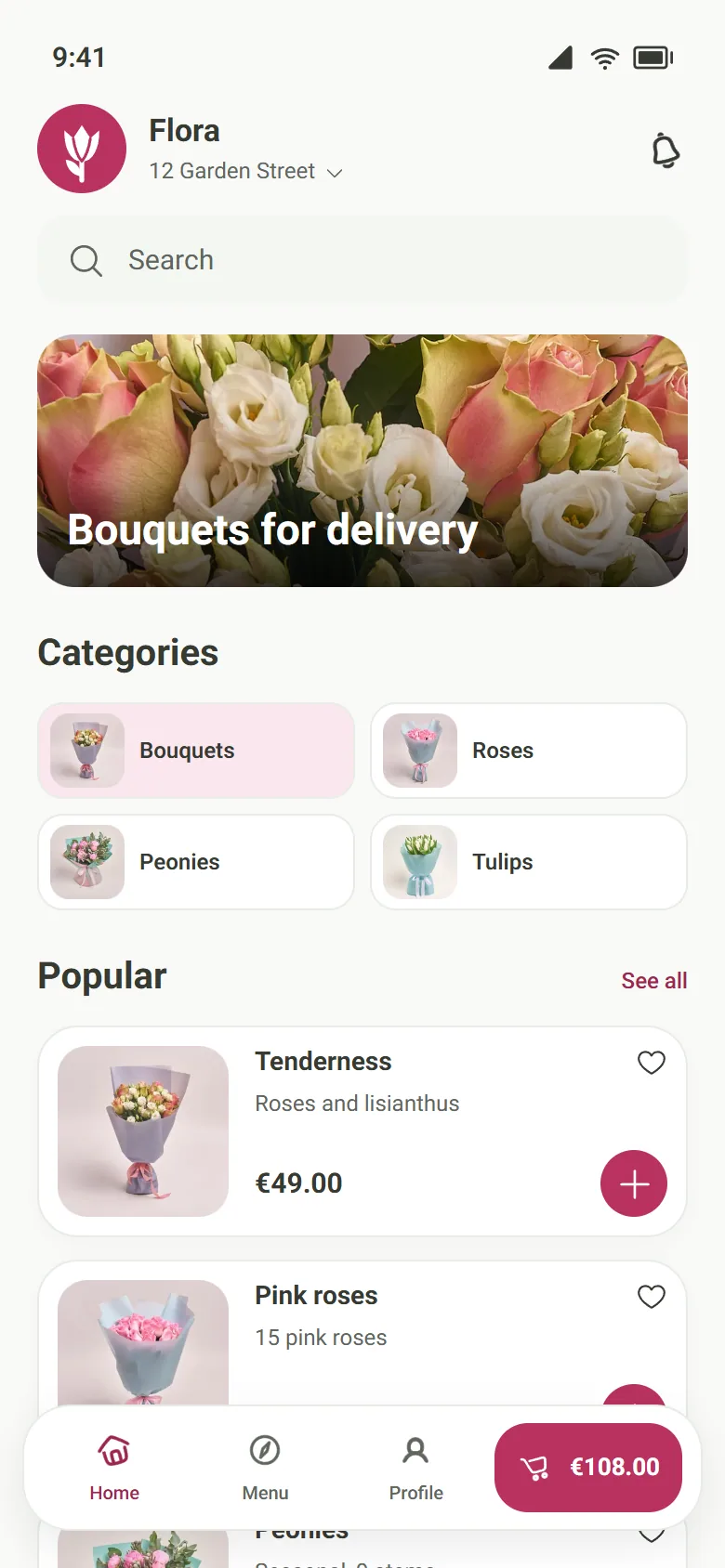
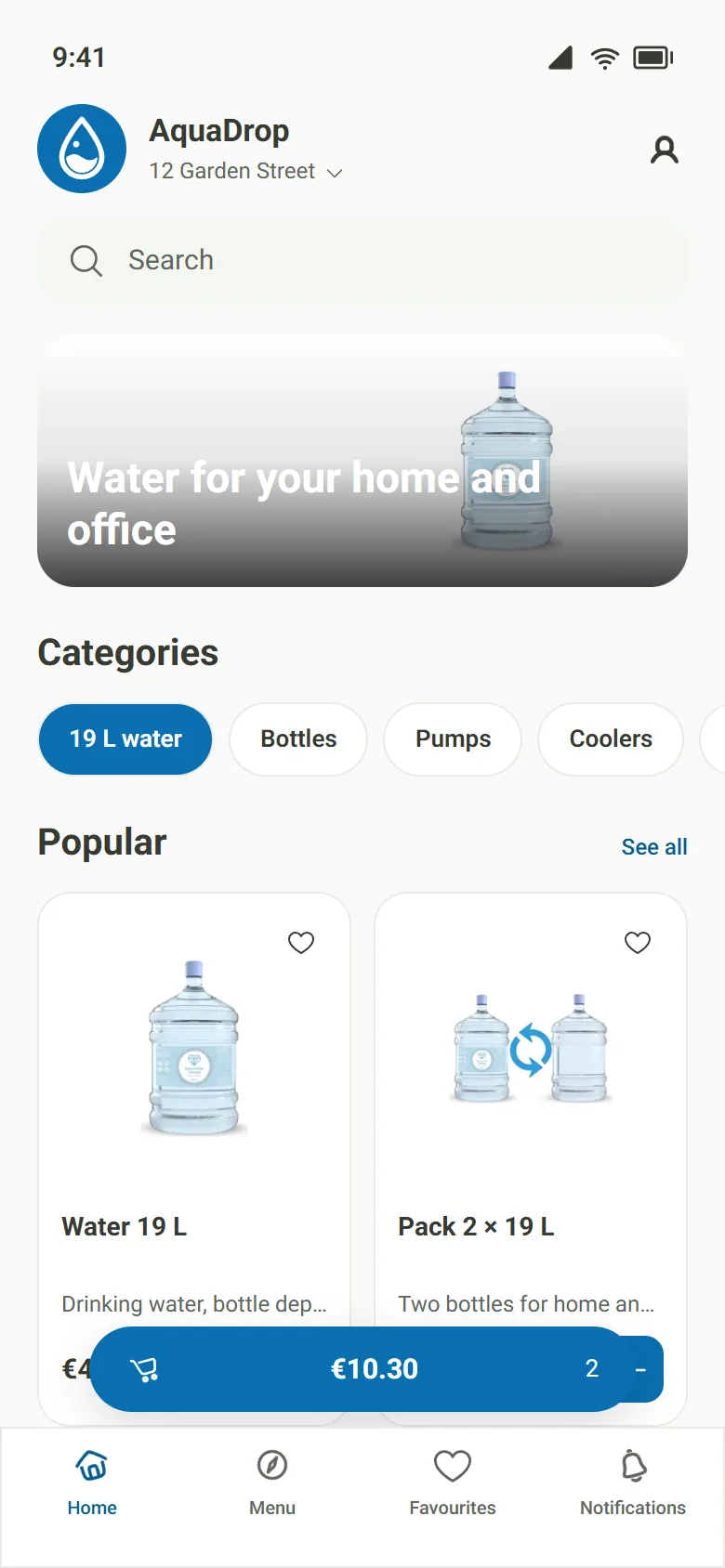
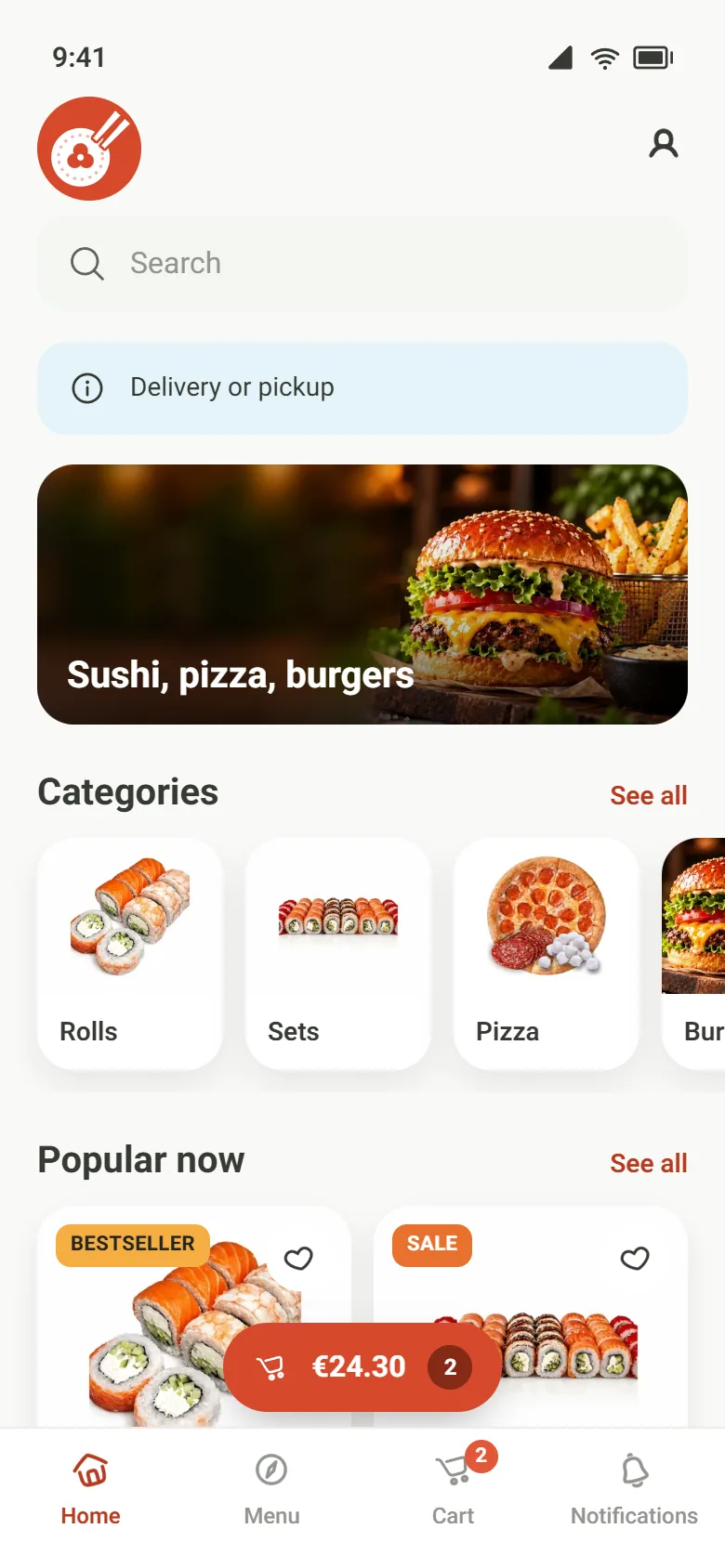
Customers follow a link, choose products and place an order in their browser.
Change a price in the dashboard and it updates in both channels. Customers can see their order history on the website and in the app.
Compare costs, order handling and launch time.
Now
A commission on every order.
With RengiLab
The subscription price doesn’t depend on how many orders you get.
Using Poster, Syrve or another POS? The integration is free. Website and app orders arrive in the connected system, where your team already works.
Discuss a POS connectionOrdered online
Example of an online order being sent to a POS.Before connecting, we check compatibility and agree what data to exchange and when.
Standard setup takes 3–7 days after sign-off. Setup and launch are free.
01
Demo and scope
We show the product and agree your city, locations, integrations, price and timeline before payment.
02
Your brand
You send your logo and colors. We configure the design and show it to you.

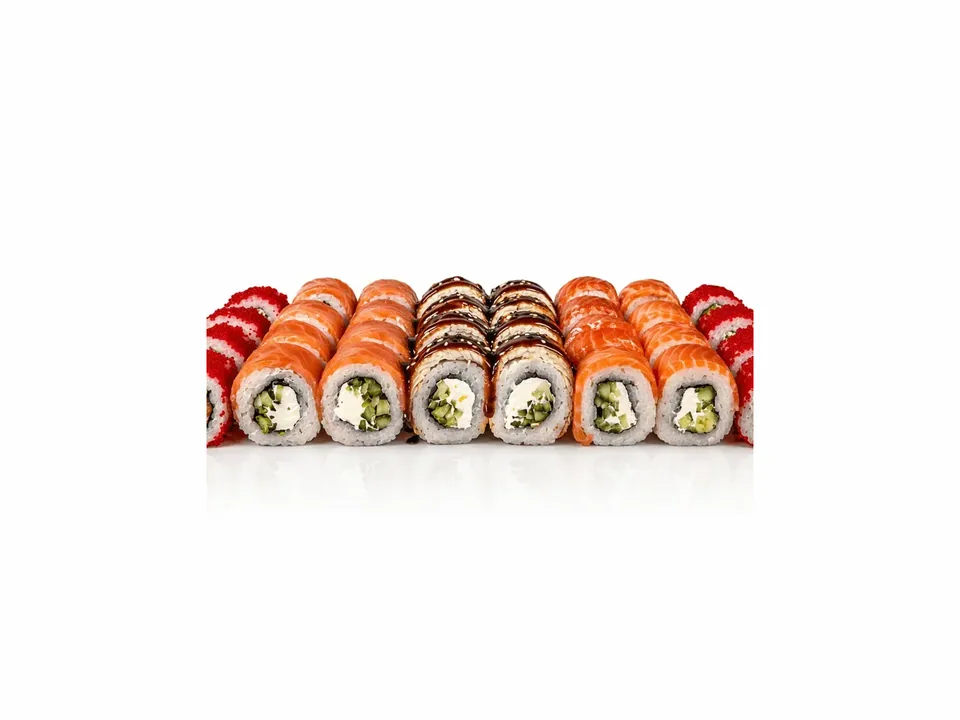
Philadelphia
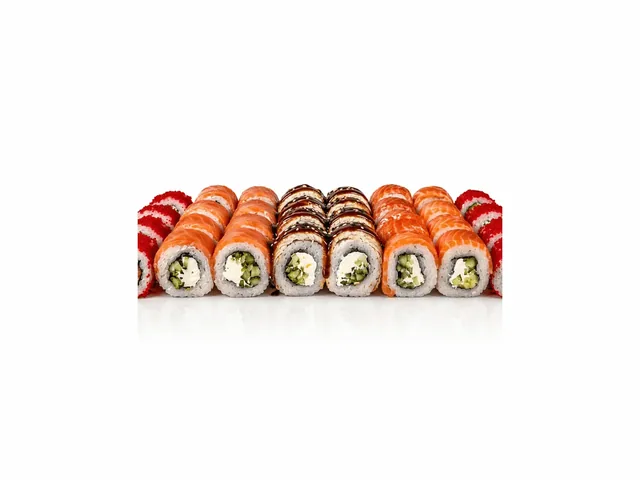
Tokyo set

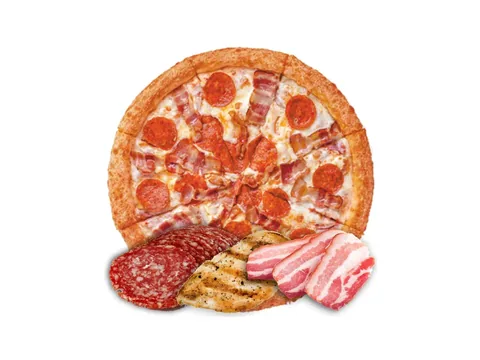
Pepperoni
03
Catalog and testing
We add products, prices and delivery terms. We place a test order and check that it reaches your team.
04
Publishing
We connect the domain and submit the app to the App Store and Google Play. Store review may take extra time.
Choose your product and subscription term. Features are the same on every term.
$85per month
Pay monthly. The minimum term is 1 month.
$190per month
Pay monthly. The minimum term is 1 month.
$115per month
Pay monthly. The minimum term is 1 month.
Prices are for one city. The number of locations is agreed before payment.
All prices in USD. Your price is fixed for the paid period.
You manage the catalog, prices and website and app appearance in the RengiLab dashboard. Your team processes food orders in the connected POS system. Flower, water and retail orders arrive in RengiLab.
POS integration is free. We first check that your system (Poster, Syrve or another) is compatible, then agree how menus, orders and statuses are exchanged and give you a connection date.
Yes. It connects to your existing catalog and customer accounts. Order history stays available, and we credit your unused subscription when you upgrade to the bundle.
Your team or your delivery partner. RengiLab provides the website and app. We do not provide couriers.
Yes. Customers choose a location and their order goes there. We agree the locations, cities and price before payment.
Leave a phone number or email. We’ll show the demo and dashboard, check the features you need and agree the price.
Or write to us:
rengilab@gmail.com